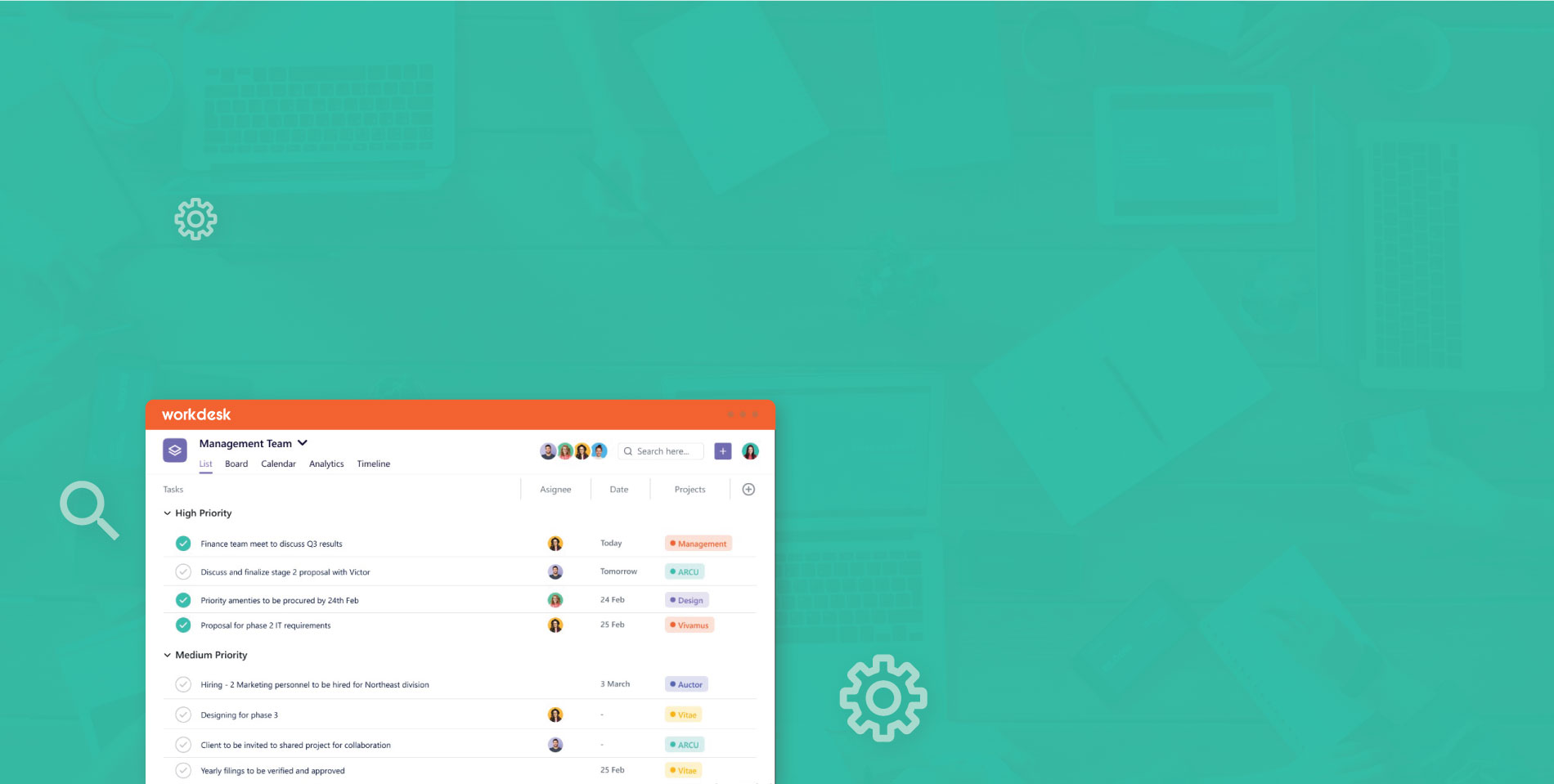
Overview
A work desk project management is a tool that helps people plan, schedule, and execute projects. It allows users to assign tasks to different people, track progress, and measure productivity.
Managers can also utilize project management software in order to improve efficiency by understanding how much time each employee spends working on various projects.
Workdesk Develop for task breakdowns ,project planning Define, administer, and distribute resources in accordance with demand Compare project budgets to actual costs and expenses.It Support multiple project management methods. The critical route can be created automatically, and updated as needed, as task dependencies change.The system allows users to update tasks, while keeping interdependencies intact. Users can view different project views, including a calendar view or a client view.


Ticketing System
Workdesk Ticketing system is a program that allows a team to keep a list (or list) of problems, manage them, and track progress.Simple to setup and use, our Workdesk ticketing tools combine features you need.
“Workdesk ticketing solution comes with several features that help resolve issues quickly and easily Workdesk Ticket Raising automatically classifies tickets as bugs”

Easy Track of Project and bugs in one place
One approach is to use a project management tool that also includes bug tracking capabilities. This way, you can keep all project-related tasks and bugs in one place, making it easier to manage and prioritize them.

Daily agenda
Daily agenda in work management software is a feature that helps users organize their tasks and schedule for the day. It typically displays a list of tasks that need to be completed, along with their deadlines and priorities.
Workdesk saves teams from losing track of their tasks.
In a single space, all of your projects.
To plan, track, and communicate on any project with your team in one location, use Workdesk.
- Project management at a glance
- Work together as a team.
- Observe the results and objectives.
Create the ideal process for each Job.
1. Managing Tasks
Plan, manage, and collaborate on any project with robust task management that can be tailored to your specific requirements.
Break down large projects into tiers of subtasks to simplify them. Use the Bulk Action Toolbar to effortlessly rearrange or change your tasks and subtasks in various views.
2. Project Control
A gradual, successful method to project management. It divides large projects into manageable phases, allowing you to give due dates to tasks and monitor progress on a graphic timeline.
- Divide your project into tasks and allocate them.
- Using the Gantt chart, you can plan your project and track its progress.
- Using the dashboard, you can track the progress of your project.
3. CRM
Never lose client data again. Create your ideal CRM in Workdesk for free.
Workdesk makes it simple to organize and build your customer connections with tracking, data visualizations, email, and more - all in one place.
4. Tracking Time
Increase revenue by using time monitoring software.
Our renowned time tracking software assists teams in automatically logging worked hours, creating and locking timesheets, and focusing on billable hours. Use Workdesk's comprehensive employee time tracking software to increase work visibility and project processes, as well as simplify projects to reduce any delays.
5. Collaborative Teamwork
Increase the productivity of your team and organization by consolidating all of your work on a single platform. With Workdesk as your one source of truth, you can focus on priorities and modify workflows.
Teamwork is accelerated with several assignees and comment threads for every assignment. Use sharable screenshots to save time and assign comments as action items.
6. Increase production using project management dashboards.
Increase the productivity of your team and organization by consolidating all of your work on a single platform. With Workdesk as your one source of truth, you can focus on priorities and modify workflows.
Make your dashboard
Create a dashboard for any business situation. Share digitally with colleagues inside your workspace, or even display in full-screen view at the workplace!
Select your widgets.
Choose any of the widget variations to instantly gather, display, or understand data for any activity or information! There are an infinite number of methods to visualize your job.
Automatically organize your intake.
Workdesk's project dashboard dynamically prioritizes activities for you, saving you time and keeping vital facts at the fingertips of your teams.
Create something unique for your team.
In your project dashboard, pin important projects and decide exactly what to monitor, including tasks by custom status.
Increase your overall visibility.
The program management dashboard in Workdesk allows you to evaluate ongoing work at any level: team, project, department, or organization wide.
7. Customized Solution
Custom item types can help you personalize your workspace.The template can be customized for your specific squad. Rename the example instances and set the dashboard so that you and your team can manage and track the information that is most essential to you.
8. Mobile and Desktop Apps
Project management software for Windows and Mac.
With our desktop version, you can eliminate the distraction of other browser tabs, enhance attention, and gain simpler access to Workdesk.
Workdesk project management app for Android devices
Workdesk for Android allows you to work whenever and wherever you choose.
Workdesk project management app for iOS devices
Work whenever and wherever you choose with Workdesk for iOS.
9. Highlights
View Tasklist
When monitoring ad-hoc tasks with custom fields and dates, the tasklist view is preferred.
Board View
Do you have a process in which a job moves through several stages? Board view is only for you!
Chat & Forum
Communicate with the team for rapid resolution at both the project and one-on-one levels.
Timeline
A timeline allows you to see a lengthy project plan, complete with dependencies and milestones.
View by Calendar
With the calendar view, you can keep track of upcoming deadlines and events.

